
AI in Everyday Architectural Practice
Six uses with ready-to-use prompts and worked examples
A client meeting leaves you with a dozen decisions, two conflicting comments about the kitchen and a request to change a material. Before returning to the model, you still need to organise the notes, write an email and check the specification. These are useful starting points for working with AI.
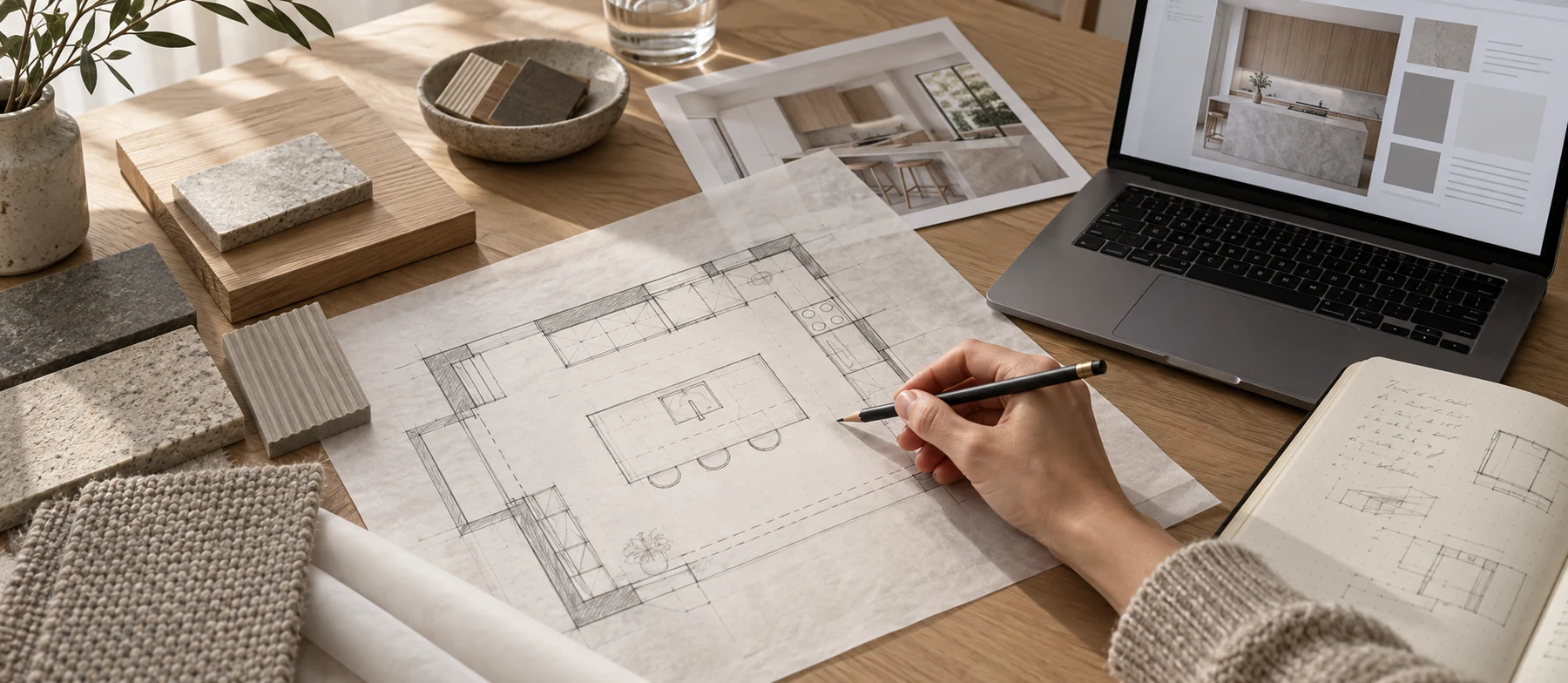
The examples below show how to prepare information for a text-based AI assistant, write a prompt and assess the response. All project details and sample responses are illustrative. They are not the results of a test of a particular application or records from a real project.
Start with one small task. Supply only the relevant material, define the output you need and specify what the assistant must not invent. Remove personal data and any information you are not permitted to share through the tool you use.

1 Organise your meeting notes
A useful brief separates decisions from suggestions and unanswered questions. You can ask AI to make that distinction, but explicitly tell it not to resolve contradictions. Otherwise, a fluent summary may hide the most important issue raised in the meeting.
Source notes
“The kitchen needs to be bigger. Later: the current floor area is fine after all. A pantry next to the kitchen, if it fits. A table for six. Keep the window in its current position. In the next option, compare pale oak with dark timber.”
Prompt to copy
Organise the following notes by topic. Give each item a status: agreed, conditional suggestion or confirmation required. Retain all conflicting statements without choosing between them. Do not add dimensions, deadlines or technical solutions. Finish with questions for the client.
Notes: [paste the meeting notes]
An example of the structured result
| Topic | What the notes say | Status |
|---|---|---|
| Kitchen size | Both increasing the floor area and keeping it unchanged were discussed. | Confirmation required |
| Pantry | Consider one next to the kitchen if the layout allows. | Conditional suggestion |
| Table | Provide seating for six people. | Agreed |
| Window | Keep its current position. | Agreed |
| Materials | Compare pale oak with dark timber. | Agreed |
The key question is: “Should we keep the kitchen’s current floor area and see whether a pantry fits within it, or should we consider making the room larger?” That question can go straight into the follow-up email.
Before saving the brief, compare it with the full notes. Pay particular attention to words such as “if”, “consider” and “to be confirmed”. Give decisions their final status after clarifying them with the client.
2 Draft a material description from current data
An earlier specification can provide a useful structure, but it may contain requirements that do not apply to the new project. Separate the two sources: use the old document as a style reference and the current material list as the basis for the content.
An example of the information to provide
| Item | Data for the new description | Missing information |
|---|---|---|
| F01 Base cabinet fronts | Pale oak veneer with a matt finish. | Substrate, edge treatment and finishing system. |
| B01 Worktop | Light-coloured sintered stone, 12 mm thick. | Specific product, support and edge detail. |
| S01 Wall above worktop | Finish to be selected. | Material, colour and junction with the worktop. |
Prompt to copy
Draft a material description using the current list. Take only the structure and writing style from the reference document. Do not carry over its products, thicknesses, performance classes or installation details. Keep the item codes F01, B01 and S01. Mark missing information “to be completed” and collect it in a separate list.
Reference: [attach the previous description]
Current data: [paste the material list]
What a useful response looks like
“B01 — light-coloured sintered stone worktop, 12 mm thick. Product: to be completed. Support and edge detail: to be completed.” This retains the supplied information and makes the gaps visible. It is not a finished specification for construction.
If AI adds a manufacturer, an adhesive system or support spacing, check the source. None of those details was supplied in this example. Completing the description requires selecting the product and checking its documentation.
Before issuing the information, compare the item codes with the drawings and schedules. Check numbers together with their units. A change from 12 mm to 12 cm can be easy to overlook in otherwise convincing prose.
3 Explain a technical point to the client
AI can help simplify language while preserving its meaning. The conditions must survive the edit. A statement that a proposal still needs checking must not become an assurance that the work can go ahead.
An editing example
Original text: “The extent of alterations to the partition will be determined following assessment of its structural function and verification of the services routed through it.”
Rewrite the following passage for a client without a construction background. Use no more than two short sentences. Keep all conditions and uncertainty. Do not add approval to carry out the work, a cost or a deadline.
Text: [paste the passage]
Example response: “First, we will check the wall’s structural role and which services run through it. We can then establish what changes are possible.”
Read the original and revised versions side by side. Is the check still required? Is the scope of the work still undecided? If so, the simpler version has preserved the essential meaning.
4 Write an email about an additional change
A difficult email often needs an opening sentence more than it needs new information. Give AI the known facts: the client’s request, the current stage and the next step. Do not let it price the work or interpret the contract on your behalf.
Write a short, polite email based on these facts: the client has requested an additional kitchen option after approving the previous layout. I want to confirm the scope first, then provide a fee proposal and explain the effect on the programme. Ask whether the new option should retain the window and service connection positions. Do not give a price or date, and do not interpret the contract.
Example wording: “Thank you for your comments. Please confirm whether the additional kitchen option should retain the existing window and service connection positions. Once the scope is clear, I will provide a fee proposal and explain any effect on the programme.”
Before sending, check that the message reflects your previous agreements and sounds like you. Remove any sentence that makes a commitment you do not intend to make.
5 Locate the right passage in a long document
When working with a manufacturer’s manual, client requirements or a regulatory document, start with a specific file and question. Instead of asking AI to answer from memory, ask it to locate the relevant passage in the supplied source. This approach can help you find both technical requirements and procedural provisions.
Narrow the task
Suppose you need to find the substrate preparation requirements in the installation manual for a particular wall finish. Check the product name and document edition first. If the file is a scan, check whether the tool can read its text and tables.
Prompt to copy
Work only from the attached manual. Find the passages about preparing the substrate before installation. For each, give the section heading, PDF page number and a short quotation where available. Keep quotations separate from your explanation. Identify conditions and exceptions. If information is absent or unreadable, say so explicitly. Do not fill gaps using other sources.
What to check in the response
Open the page and locate the quoted sentence. The PDF page number may differ from the number printed on the page. Read the surrounding paragraph, footnotes and referenced tables as well: they may limit how the passage applies.
Compare units and product names. If the response concerns a different product variant from the one specified, do not transfer it into the description. If AI fails to find a requirement, that does not establish that the requirement does not exist.
For regulations, also check the applicable version, scope and related legislation. Finding a sentence does not establish that the design complies. The useful output here is a passage you can assess yourself.
Keep a record of the check
Record the source title and edition, section number and your verified conclusion in the project notes. When the documentation changes, you can return to a specific passage instead of relying on the answer from an AI conversation.
6 Compare two material directions
Early in a project, “a warm interior” can mean different things to different people. Two images can help make the preference clearer. Change a limited set of features, such as cabinet fronts and a worktop, while keeping the viewpoint and lighting similar.

Prompt to copy
Create a comparison of two material directions for a simple kitchen with a straight run of cabinets. Option A: pale oak, warm white and a cream worktop. Option B: dark walnut, light grey upper fronts and a charcoal worktop. Use the same viewpoint, a similar layout and neutral daylight. Do not add an island, decorative text or dimensions. The images are for a discussion about colour and materials.
Ask the client which combination of timber and worktop they prefer, and which elements they want to take into the design. Record the choice precisely, for example: “Pale fronts from option A, with a darker worktop to compare next.” Simply recording “I like A” leaves too much open to interpretation.
AI may change cabinet divisions, proportions or details despite instructions to preserve the layout. If a BIM model already exists, use a model view as a reference in a tool that accepts images, then compare the result with the model. The illustration does not update the geometry or schedules. Selected materials must be added to the project separately and checked against physical samples.
Where to start
Try organising the notes from your next meeting. Assess how much correction the response needed and whether it made the decisions easier to confirm. Then add another task. Judge the value of AI in your practice by the quality of the material you actually use in a project.